
The design canvas your agent can draw on.
Design with a coding agent that supports local MCP (stdio). Edit the layers by hand.
curl -fsSL https://open-canvas.xyz/install.sh | bashRelease downloads are not available yet.Install guide
A scripted demo: an agent builds three Form Studies posters as editable layers, then you edit each headline by hand.

 Claude Code
 Codex
 Cursor
 OpenCode
 Pi
 Factory Droid
 Amp
 Antigravity CLI
 Auggie
 Cline
 GitHub Copilot
 Goose
 Kilo CLI
 Kiro CLI
 Windsurf
 Zed
Every part is still a layer.
Signal Study 01 has 10 editable layers: text, shapes, and a dithered image. Pick a layer to lift it out of the stack.
Download Signal Study 01 .jsonOpen it in Open Canvas with File → Import JSON.
Your hands on the same file.
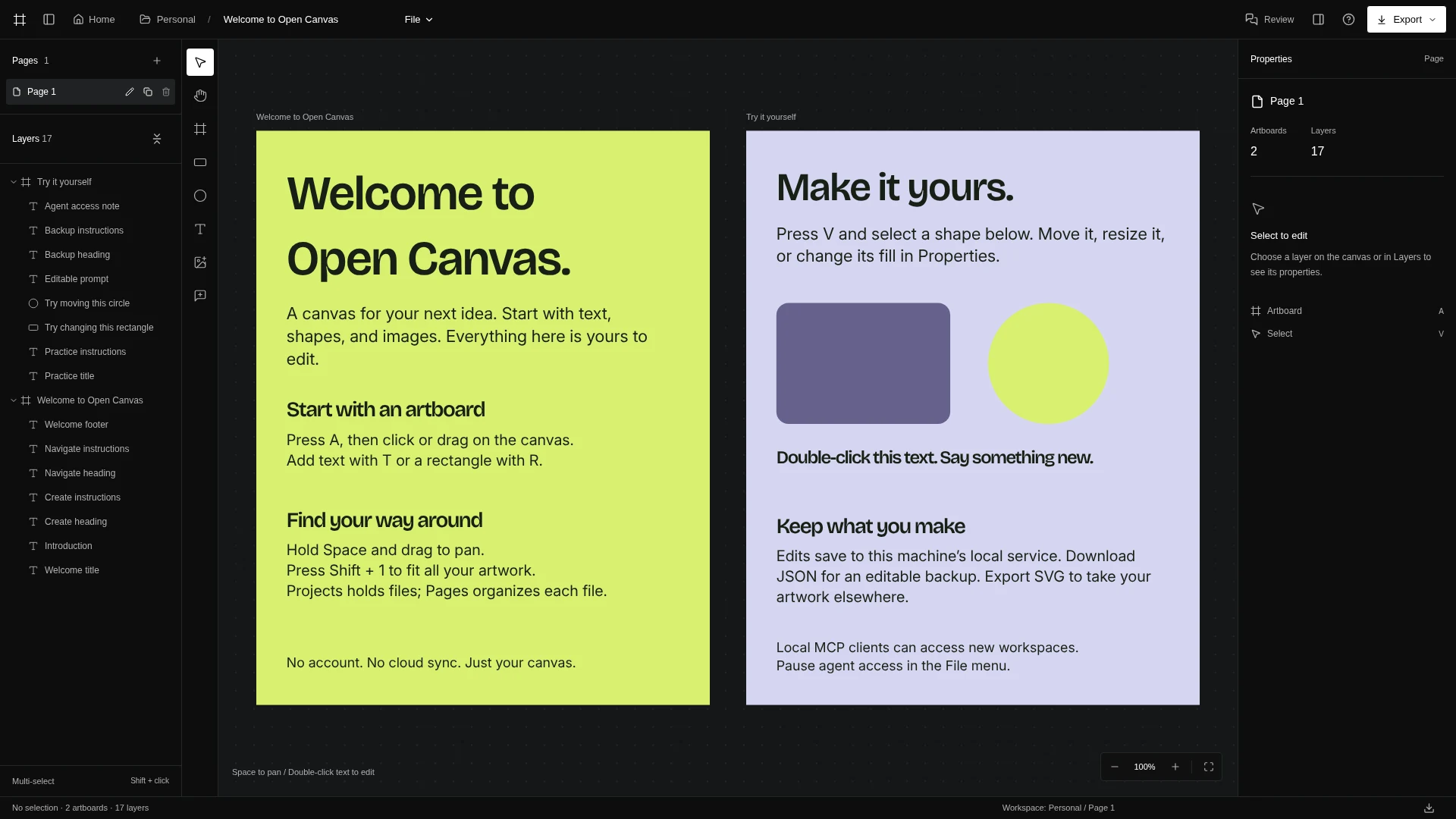
Artboards, text, shapes and images, with Layers and Properties beside them. Edit what the agent made, or start from a blank page. Press A for an artboard, T for text, R for a rectangle.
51 tools. One command to connect.
Print a config for your MCP client and paste it in. The agent reads the tree, writes layers, checks a screenshot and exports, all against the workspace open on your machine.
open-canvas mcp-configPause it any time with File → Pause agent access.
Read the MCP guide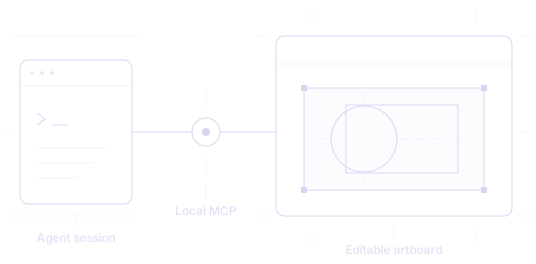
Read8
get_capabilitieslist_canvasesget_fontsget_documentget_treeget_nodeget_stylesget_selection
Create and edit12
select_nodescreate_artboardcreate_nodesupdate_nodesset_textmove_nodesduplicate_nodesdelete_nodesreorder_nodesundoredowrite_html
Documents and output6
rename_documentcreate_documentopen_documentexport_documentexport_combined_pdfget_screenshot
Projects, files and pages17
list_projectscreate_projectrename_projectdelete_projectget_filecreate_filerename_filedelete_fileduplicate_fileopen_filelist_pagescreate_pagerename_pagedelete_pageduplicate_pageexport_projectexport_workspace
Tokens, review and workspaces8
get_design_tokensset_design_tokensapply_design_tokenlist_comment_threadsget_comment_threadset_comment_thread_statuslist_workspacescreate_workspace
Served from 127.0.0.1, kept in your home folder.
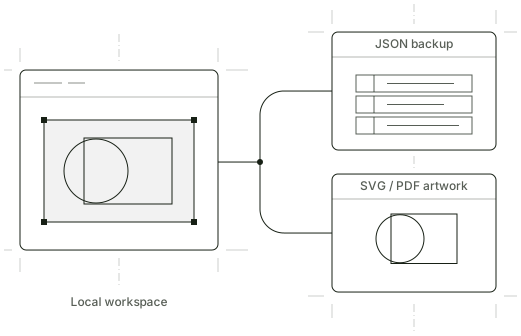
~/.open-canvas/dataSaved on disk
Workspaces live in your home folder. No account, no cloud sync.
signal-study-01.jsonEditable backups
Download JSON with every page and layer. Import it to keep working.
signal-study-01.svg · .pdfArtwork out
Export one artboard or the current page as SVG, or selected artboards as PDF.
Three commands to your first artboard.
These commands are for the upcoming release. Public downloads are not available yet.
curl -fsSL https://open-canvas.xyz/install.sh | bashDownloads the release for your platform, checks its SHA-256 and links open-canvas into ~/.local/bin.
open-canvasStarts the editor and opens your browser at http://127.0.0.1:5190 by default.
open-canvas mcp-configPrints the configuration for a client that supports local MCP.
Read the install script All releases Update, roll back or remove